 Golu Trail
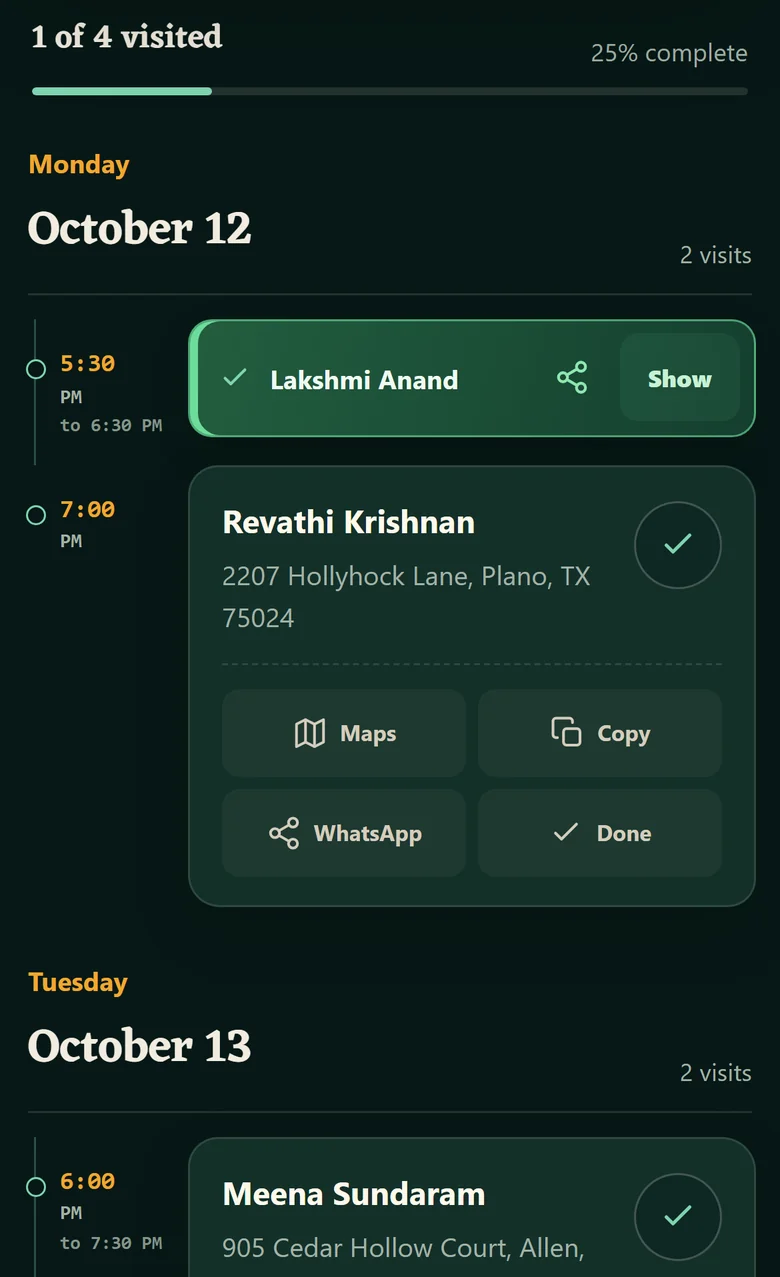
Every golu you said yes to, in one place.
Add each invitation once. It sorts them by day, maps the address, and remembers where you have already been.
Put it on your phone
-
Open in SafariOther iPhone browsers cannot add it.
-
Tap ShareThe icon at the bottom of the screen.
-
Add to Home ScreenScroll the share list to find it.
Your browser can add Golu Trail for you.
Golu Trail is built for a phone, so open this page there to add it to your home screen. It works in a desktop browser too.
Golu Trail is already on this device. Open it from your home screen, or carry on here.
Add it before you type anything in. On iPhone, a home screen app keeps its own saved data, separate from what you enter in Safari.
Your list stays on your phone.
There is no account and no server holding your schedule. Names, addresses and notes are saved in your own browser and never sent anywhere. Export a backup whenever you want to move it to another phone.